RCWeb Gallery
The RCWeb Gallery App (app/gallery) is an elegant peer-to-peer image sharing and viewing application. Based heavily on the Symmetric Pattern, it turns all connected web browsers in a room into a collective, decentralized photo gallery.

Screenshot
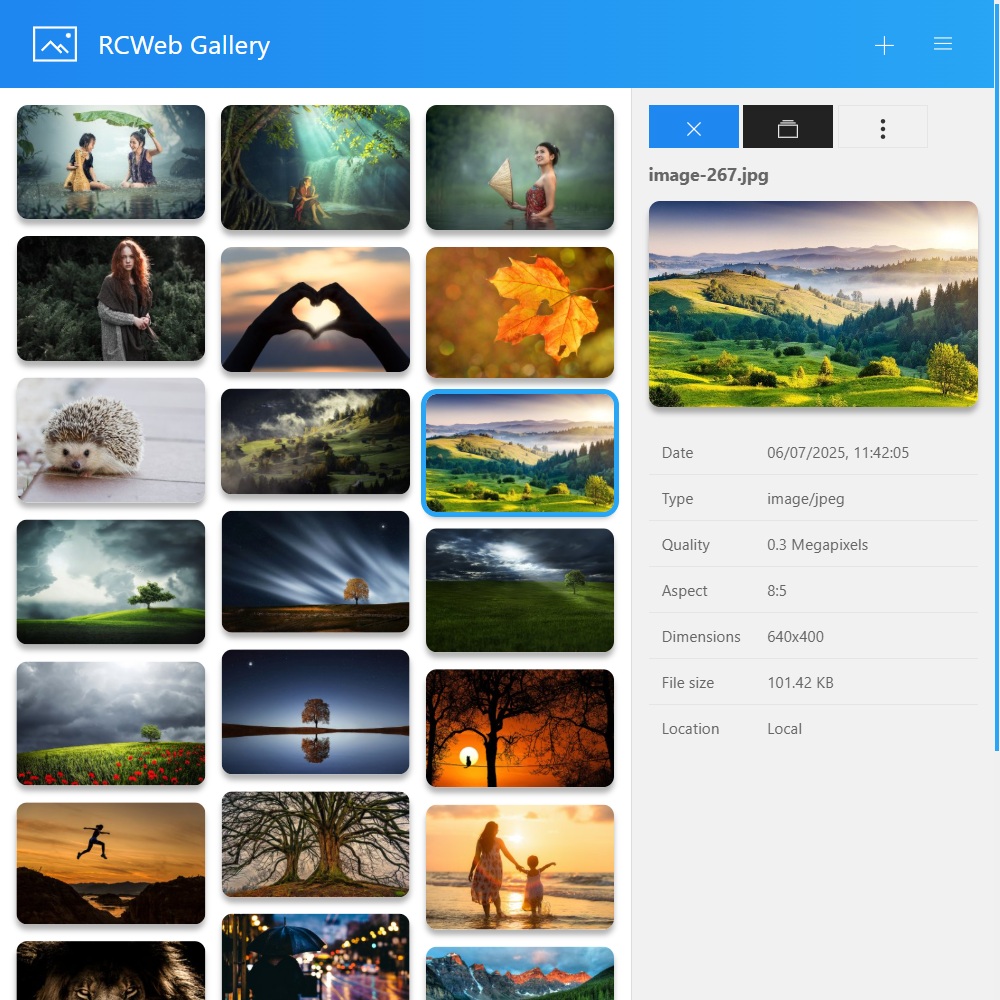
What it does
- Decentralized Sharing: Drag and drop photos into the browser to share them with everyone in the room. Files are never stored permanently on a centralized server.
- Dynamic On-the-Fly Resizing: The host automatically resizes images locally before streaming them to peers. Viewers can seamlessly switch between thumbnail, preview, medium, and raw full-resolution sizes via network proxies.
- Rich Interactive Lightboxes: Integrates seamlessly with a UIkit Lightbox system for immersive, fluid gallery browsing experiences complete with captions and preloading.
- Granular Error Handling & Recovery: Continuously monitors the statuses of all shared photos. If a user drops a connection, their photos visually degrade gracefully or remove themselves, alerting active users naturally.
How it works
The logic in script.js extends the same rc.sendFileChunk core used by the Files app but specializes deeply in image processing.
- Image Queuing and Scaling: When a remote peer joins and encounters a new photo id, it issues a specific download command (e.g.,
width: 300). On the sender side,drawResizedImageToCanvas()intercepts the original binaryFile, paints it asynchronously to an offline HTML<canvas>, computes severe downsizing to match the requested resolution, and ships the resulting lightweight JPG payload via HTTP PUT back to the requester. - Robust State Engine: A continuous
HEART_BEAT_INTERVALloop coordinatesrc.clientping presence tracking. If a host browser goes dark (HEART_BEAT_INTERVAL_DISCONNECTED), thumbnails turn red with a visual countdown timer giving the host a grace period to reconnect before dropping the photos aggressively. - Optimized Hash Routing: The UI fundamentally responds to deep linking (
#select-...,#open-large,#lightbox). Selecting photos dynamically pushes these UI states into the URL structure utilizingwindow.addEventListener("hashchange", ...)allowing rapid navigation and deep-link browser history support. - Task Prioritization: Uses a specialized
taskQueueandresumeTasks()structure to prevent browsers from freezing when rendering dozens of heavy WebGL/Canvas resized frames in rapid succession.