RCWeb Poll
Poll is the shared-screen display for a live multiple-choice poll. Open it on the TV, projector, laptop, or other room display. Participants use the poll-c control app on their phones to vote, change their vote, or set up the next poll.
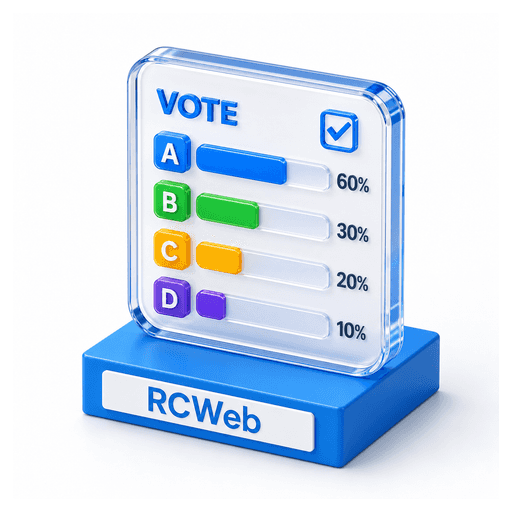
Use Poll for quick decisions, icebreakers, preference checks, group feedback, or any situation where a room needs one visible result chart.
Start A Poll
- Open
/poll/on the shared display. - Leave the display visible while people join.
- Ask participants to scan the QR code panel. It opens
/poll-c/in the same room. - Participants tap an answer on their phones.
- Watch the chart update live as responses arrive.
The display starts with a bundled icebreaker poll. Each time the display is loaded, it chooses a random starting point in that bundled list.
What People See
The shared display shows:
- The QR code for joining with
poll-c. - The current question.
- The active answer choices.
- A live bar chart for each answer.
- The response count and percentage for each answer.
- The total number of responses.
- The room connection status and client count.
Voting
Each phone has one active response. If someone taps a different answer, their vote moves to the new answer instead of adding a second vote.
Votes appear on the display immediately. The bars resize, counts change, and percentages recalculate as the room responds.
Set Up A Custom Poll
Use a phone running poll-c:
- Tap Setup.
- Enter the question.
- Enter up to 5 answer choices.
- Tap Apply.
- Confirm the in-page confirmation dialog.
Blank answer rows are ignored. At least one answer is required. Applying setup starts a fresh poll and clears the old response counts.
Use A Bundled Random Poll
Use a phone running poll-c:
- Tap Setup.
- Tap Random poll below the Apply/Cancel controls.
The display advances through the bundled poll list in order from its random starting point. It does not repeat a bundled poll until the list has been used. Starting a bundled poll clears the old response counts.
During The Session
- Keep
/poll/open on the shared display. - Let late joiners scan the QR code at any time.
- Ask participants to tap a different answer if they want to change their vote.
- Use Setup again whenever the room needs a new question.
Refreshes And Reconnects
Phones that join late receive the current question, answer choices, counts, and their selected answer if that phone has already voted.
If a phone refreshes, it usually keeps the same local participant ID and can continue changing its existing response.
If the display refreshes, it starts over with a bundled poll, empty counts, and a new random starting point.