RCWeb Poll Control
poll-c is the phone control for the poll display app. Use it to answer the current poll, change your answer, start a bundled icebreaker poll, or set up a custom question and answer list.
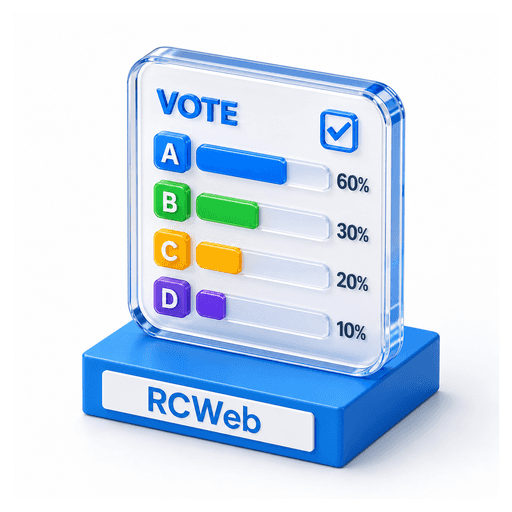
Open poll-c by scanning the QR code shown on the poll display. You can also open /poll-c/?r=<room> directly if you know the room ID.
Join The Room
- Make sure
/poll/is open on the shared display. - Scan the QR code on the display.
- Wait for the phone to show the current question and answers.
- Tap an answer to vote.
The control is designed for portrait phone use with large answer buttons.
Vote
Tap one answer to vote. Your selected answer is highlighted on your phone, and the shared display updates its chart.
Tap a different answer to change your vote. Your previous vote moves to the new answer, so the display still counts one active vote for your phone.
The control also shows:
- The current question.
- The current answer choices.
- The live count for each answer.
- The total response count.
- Your selected answer.
- The connection status.
Set Up A Custom Poll
Any connected control can set up the next poll:
- Tap Setup.
- Type the poll question.
- Fill in up to 5 answer rows.
- Leave unused answer rows blank.
- Tap Apply.
- Confirm the in-page dialog.
When confirmed, the display replaces the current poll with the new question and answers. Response counts reset to zero because it is a new poll.
Setup must include at least one non-empty answer. If all answer rows are blank, the form stays open and shows an error.
Start A Bundled Poll
Poll includes bundled icebreaker questions. To use one:
- Tap Setup.
- Tap the smaller Random poll button below Apply and Cancel.
The display advances through the bundled list from a random starting point. It does not repeat a bundled poll until the list has been used. Starting a bundled poll resets the response counts.
Cancel Or Back Out
- Tap Cancel in Setup to close the setup form without changing the poll.
- Tap Cancel in the confirmation dialog to return to Setup without applying changes.
- Use Apps to return to the RCWeb app launcher.
Refreshes And Reconnects
If your phone refreshes, it asks the display for the latest poll state. Where browser storage is available, the phone keeps the same participant ID and can continue changing its existing vote.
If the display is not open in the room, the control may still show default options, but votes and setup changes will not affect a shared chart until a poll display is connected.
If the display refreshes, the live poll starts over with a bundled poll and zero responses.
Typical Room Flow
- Open
/poll/on the shared screen. - Participants scan the QR code.
- Someone uses Setup to choose a bundled poll or write a custom poll.
- Participants tap their answers.
- The room watches the chart update on the shared display.